Exiting Windows S Mode
Exiting Windows S Mode
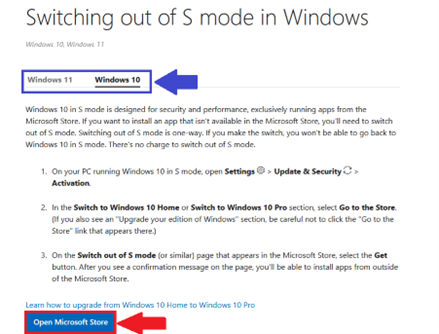
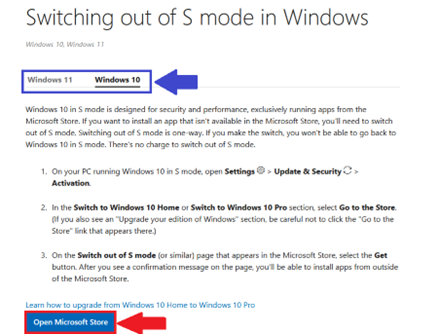
- Open a Web Browser and visit https://support.microsoft.com/en-US/Windows/Experience/Platform-variants/switching-out-of-s-mode-in-windows
- Choose your Operating System (Windows 10/Windows 11)
- SelectOpen Microsoft Store
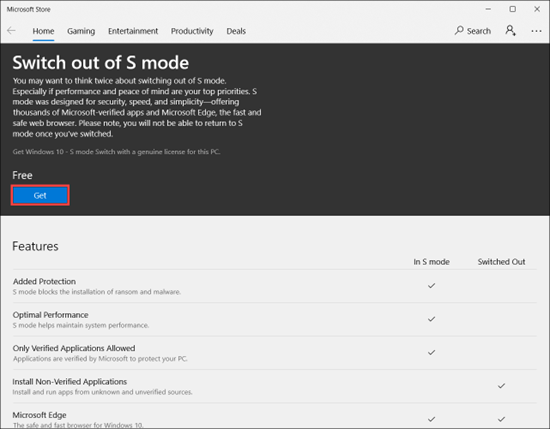
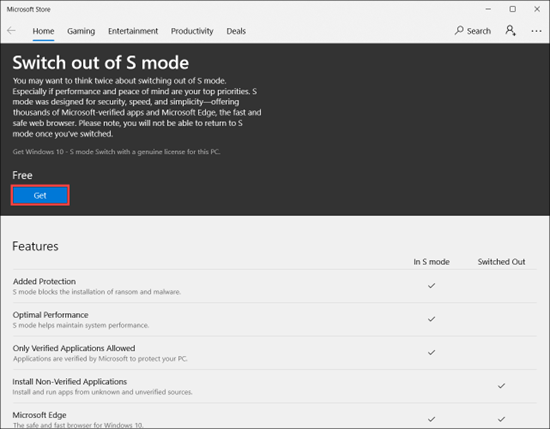
- Select Get to switch out of Windows S mode
Troubleshooting
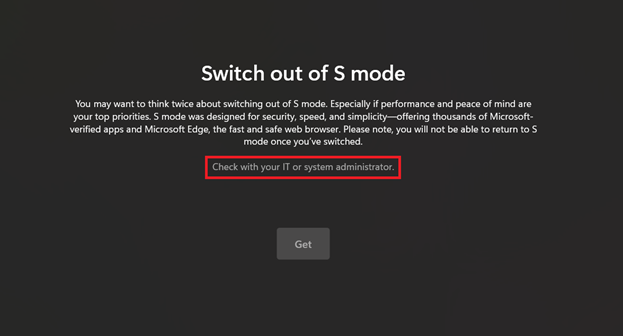
‘Get’ button does not appear
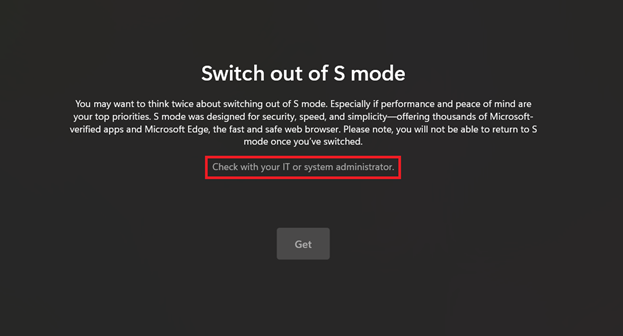
If you see a message: Check with your IT or system Administrator, please follow the steps below.
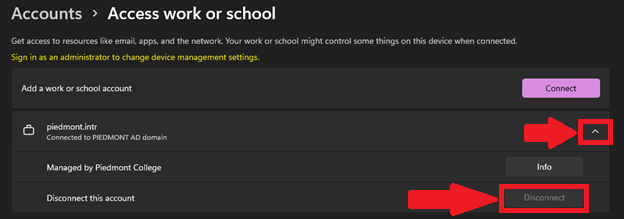
- Open Windows Settings
- Select Accounts
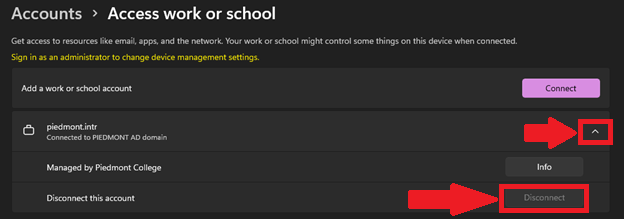
- Select Access Work or School
- Select the drop-down next to piedmont.intr
- SelectDisconnect
- Please proceed to try the first section again.